
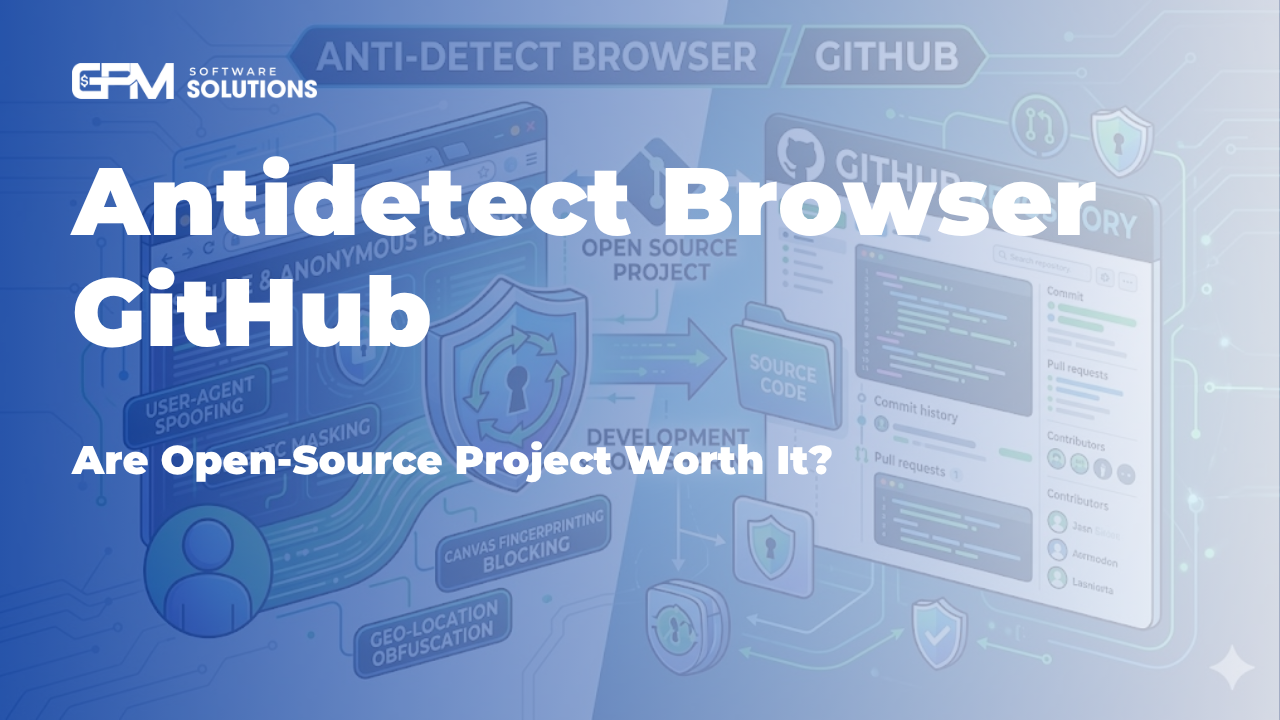
Antidetect Browser GitHub: Are Open-Source Projects Worth It?
If you’ve been searching for an “anti-detect browser GitHub”, chances are you’re looking for a free or customizable solution to manage multiple accounts safely. GitHub is full of open-source tools promising browser fingerprint spoofing, automation, and privacy enhancements.
But here’s the reality: while GitHub projects can be a great starting point, they often fall short when it comes to stability, scalability, and real-world business use.
In this article, we’ll break down:
What you can find on GitHub
The pros and limitations of open-source anti-detect browsers
Why professionals eventually switch to solutions like GPMLogin
How you can still leverage GitHub alongside GPMLogin
What Is an “Antidetect Browser GitHub” Project?
When users search for an Antidetect browser on GitHub, they’re usually looking for repositories that offer:
Browser fingerprint spoofing (Canvas, WebGL, AudioContext, etc.)
Multi-profile management
Proxy integration
Automation scripts (often via Puppeteer or Selenium)
Common types of GitHub projects include:
Modified Chromium builds
Puppeteer-based fingerprint injectors
Lightweight profile managers
Experimental privacy browsers
These tools are typically created by developers for testing, research, or small-scale usage.
Advantages of GitHub Antidetect Browsers
There’s a reason why these repositories attract attention.
1. Free and Open Source
Most GitHub projects are completely free, making them appealing for beginners or those testing concepts.
2. Customization Flexibility
If you have programming knowledge, you can:
Modify fingerprint logic
Integrate APIs
Build custom workflows
3. Learning Opportunity
They are excellent for understanding:
How browser fingerprinting works
How anti-detection systems operate
How automation frameworks interact with browsers
The Hidden Limitations
Despite their appeal, GitHub-based antidetect browsers come with serious drawbacks.
1. Lack of Stability
Many repositories are:
Poorly maintained
Frequently broken after browser updates
Missing critical bug fixes
This makes them unreliable for long-term use.
2. Incomplete Fingerprint Protection
Advanced platforms (Facebook, Google, TikTok, etc.) use highly sophisticated detection systems.
Most GitHub tools:
Only spoof basic fingerprints
Fail advanced behavioral detection
Lack of consistency between sessions
3. No Team Collaboration Features
If you’re running a business or agency, you need:
Profile sharing
Permission management
Cloud sync
GitHub projects rarely offer these.
4. Security Risks
Using random repositories can expose you to:
Malware
Data leaks
Backdoors
Without proper auditing, this is a serious concern.
Why Professionals Choose GPMLogin Instead
After experimenting with GitHub tools, most serious users transition to a dedicated solution like GPMLogin.
Here’s why.
1. Advanced Fingerprint Technology
GPMLogin provides:
Real browser fingerprint isolation
Consistent environment simulation
Regular updates to bypass detection systems
This is something open-source projects struggle to maintain.
2. Built for Scale
Unlike GitHub tools, GPMLogin is designed for:
Managing hundreds or thousands of accounts
Running long-term operations
Minimizing risk of bans
3. Automation Without Coding
While GitHub projects often require coding, GPMLogin offers:
No-code automation workflows
Easy integration with tools
Built-in task management
4. Team Collaboration
You can:
Share profiles securely
Assign roles
Manage team workflows efficiently
5. Ongoing Support and Updates
Instead of relying on abandoned repositories, you get:
Continuous improvements
Dedicated support
Stable performance
Using GitHub Together with GPMLogin
Here’s the smart approach: don’t think of it as either/or.
Instead, combine both.
1. Use GitHub for Automation Scripts
You can find useful scripts on GitHub for:
Data scraping
Account actions
Workflow automation
Then run them inside GPMLogin’s controlled environment.
2. Example: GitHub Integration Strategy
When you mention or link to a repository, you can position it like this:
“For developers looking to experiment, you can explore our official GitHub repository here: [Insert GPMLogin GitHub link]”
“We also provide sample automation scripts on GitHub to help you get started faster.”
This allows you to naturally insert your GitHub link while reinforcing GPMLogin as the core solution.
3. Best Practice
Use GitHub for experimentation and extensions
Use GPMLogin for execution and scaling
When Should You Use GitHub vs GPMLogin?
Use GitHub if:
You are learning about browser fingerprinting
You want to experiment with small projects
You have strong programming skills
Use GPMLogin if:
You manage multiple accounts professionally
You need stability and security
You want to scale operations
You work in a team environment
Final Thoughts
Searching for an “anti-detect browser GitHub” is a great first step. It shows you’re exploring how to protect accounts and avoid detection.
However, GitHub tools are best suited for:
Learning
Testing
Small-scale use
If your goal is to build a reliable, scalable system, you need something more robust.
That’s where GPMLogin stands out — combining advanced fingerprint control, automation, and team-ready features in one platform.
You can still leverage GitHub for additional scripts and resources, but for serious operations, GPMLogin should be your foundation.
Try GPMLogin for FREE here


