
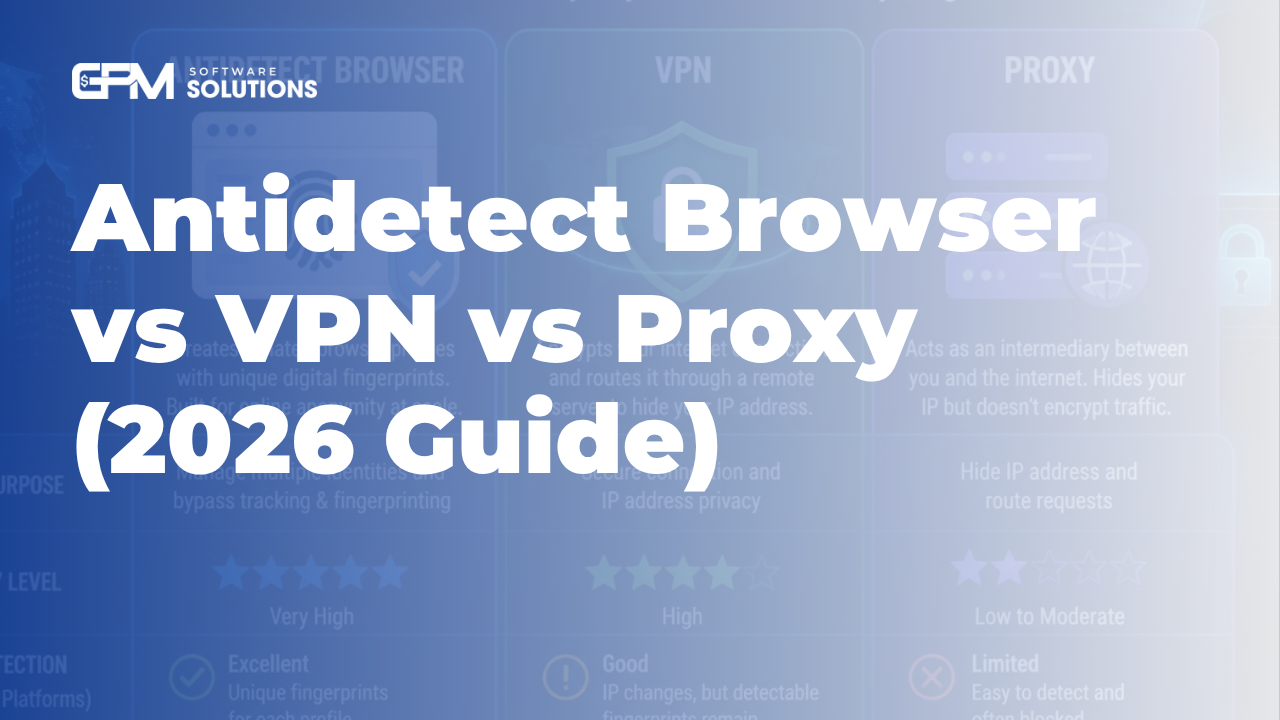
Antidetect Browser vs VPN vs Proxy: What's the Difference?


Figure 1: Three tools, three layers of protection — a proxy changes your IP, a VPN encrypts your connection, and an antidetect browser isolates your browser fingerprint.
An antidetect browser isolates the browser fingerprint of each profile; a VPN encrypts your connection and changes your IP; a proxy only changes your IP. The three solve different problems and are often used together.
If you manage more than one account — running multiple storefronts, several ad accounts, affiliate campaigns or airdrops — you have surely heard all three terms. The common question is: if you already use a VPN, why add a proxy, and what does an antidetect browser do on top of that? This guide separates each tool by the exact layer it protects, so you buy what you actually need instead of doubling up or missing a piece.
Quick summary (TL;DR)
• A proxy changes your IP address — you appear to connect from somewhere else. No encryption.
• A VPN encrypts your whole connection and changes your IP — it protects privacy on the network.
• An antidetect browser isolates the fingerprint, cookies and session of each profile — it stops platforms from linking your accounts.
• Proxies and VPNs work at the network layer; an antidetect browser works at the browser/device layer.
• For safe multi-account work you usually need an antidetect browser combined with a separate proxy per profile.
Table of contents
• What is a proxy and what does it do?
• What is a VPN and how is it different from a proxy?
• What is an antidetect browser?
• Antidetect browser vs VPN vs proxy (comparison table)
• Why isn't changing your IP enough to avoid bans?
• When should you use which — and when all three?
• Frequently asked questions
What Is a Proxy and What Does It Do?
A proxy is an intermediary server that sits between you and a website: your requests pass through it, so the site sees the proxy's IP instead of your real one.
Think of a proxy as a courier: you ask them to deliver a letter, and the recipient sees the courier's address rather than your home address. A proxy mainly does one thing — it changes the IP address a website sees. It usually does not encrypt your data and does not change anything about your browser.
Proxies come in several types, differing mostly in where the IP comes from:
• Residential proxies: IPs from real ISPs, look the most natural, often used for account warming.
• Datacenter proxies: IPs from data centers, fast and cheap but easier to detect.
• Mobile (4G) proxies: IPs from mobile carriers, high trust, usually more expensive.
• ISP proxies: combine datacenter speed with residential-level trust.
What Is a VPN and How Is It Different From a Proxy?
A VPN (virtual private network) changes your IP like a proxy but also encrypts all traffic between your device and the VPN server — so the biggest difference from a proxy is the encryption layer.
A VPN creates an encrypted "tunnel" for every connection leaving your machine. Your ISP or anyone on the same public Wi-Fi cannot read what you access, and websites only see the VPN server's IP. That is why VPNs are the go-to tool for personal privacy and security.
The core difference: a proxy usually routes traffic for a single app and does not encrypt; a VPN encrypts and typically applies to the whole device. But both only touch the connection and IP address — neither touches what platforms use to identify you at the browser level.
What Is an Antidetect Browser?
 Figure 2: Proxies and VPNs change where you connect from; an antidetect browser changes who your browser looks like.
An antidetect browser is a browser that lets you create many separate profiles, each with its own browser fingerprint plus isolated cookies and sessions — making it hard for platforms to link your accounts together.
Every browser leaks a set of data called a fingerprint: browser version, operating system, screen resolution, fonts, Canvas/WebGL parameters, time zone, language and more. Combined, this data can nearly identify your device — even after you change your IP. That is why changing your IP alone is not enough.
An antidetect browser handles exactly this layer: it gives each profile a consistent, distinct fingerprint and fully isolates cookies and storage between profiles. This lets you run dozens to thousands of accounts on one machine, each looking like an independent user on a different device.
In practice, when running several hundred profiles, we assign each profile its own proxy inside the antidetect browser — a unique fingerprint plus a unique IP is what creates a truly separate identity. GPM Login is built for exactly this: creating and managing many fingerprint profiles safely, with a built-in library of no-code automation scripts.
Antidetect Browser vs VPN vs Proxy
The core difference: a proxy changes your IP, a VPN encrypts and changes your IP, and an antidetect browser changes your browser's identity. The table below sums it up.
 Figure 3: An at-a-glance infographic comparing antidetect browser, VPN and proxy across key criteria.
Criterion | Proxy | VPN | Antidetect browser |
Main job | Change IP | Encrypt + change IP | Isolate browser fingerprint |
Hides real IP | Yes | Yes | Needs a proxy per profile |
Encrypts traffic | No | Yes | No |
Changes fingerprint | No | No | Yes |
Isolates cookies/session | No | No | Yes (per profile) |
Manages many accounts | No | No | Yes |
Best when | Simple IP change | Privacy & security | Running many accounts |
Why Isn't Changing Your IP Enough to Avoid Bans?
Because platforms don't only look at your IP — they also match your browser fingerprint, cookies and behavior to link accounts. If two accounts share one fingerprint, changing the IP won't hide the connection.
Many people assume one IP per account is safe. But the anti-fraud systems of large platforms have moved further: they cross-reference dozens of signals at the browser and device level. Some commonly overlooked signals include:
• Canvas and WebGL fingerprints — how your machine renders graphics, almost a hardware fingerprint.
• Installed fonts, resolution, and screen pixel ratio.
• Cookies and stored data left over between sessions.
• A time zone or language that doesn't match the IP's location.
Just a few matching signals are enough for a platform to suspect two accounts belong to the same person. An antidetect browser exists to handle exactly these signals — the ones VPNs and proxies never touch.
When Should You Use Which — and When All Three?
Use a proxy when you just need a new IP; a VPN when you need personal privacy and security; an antidetect browser when you manage many accounts — and combine the antidetect browser with a per-profile proxy for the safest setup.
• Just changing IP for region access: a proxy or VPN is enough.
• Security on public Wi-Fi, hiding personal activity: a VPN.
• Managing many accounts (sellers, ads, affiliates, agencies): an antidetect browser + a separate proxy per profile.
In short: VPNs and proxies answer "where do you connect from," while an antidetect browser answers "who does your browser look like." They complement each other rather than replace one another. To go deeper on how fingerprinting works, read our guide to antidetect browsers and fingerprinting.
Start managing multiple accounts safely. Create a separate fingerprint profile for each account with the free plan from GPM Login — try it before you upgrade.
Frequently Asked Questions
Can an antidetect browser replace a VPN?
Not entirely. An antidetect browser isolates your browser fingerprint but does not encrypt traffic the way a VPN does. If you need both network encryption and identity isolation, use an antidetect browser with a separate proxy per profile.
Is it safe to use one VPN for all my accounts?
It's risky. Many accounts sharing one IP and one fingerprint are easy to link. Each profile should have its own fingerprint and ideally its own IP.
Do I still need a proxy if I use an antidetect browser?
Usually yes. An antidetect browser handles the browser layer, but the IP still needs to change per profile. That's why antidetect browsers and proxies typically go together.
What's the most important difference between a proxy and a VPN?
Encryption. A VPN encrypts your entire connection and usually applies device-wide; a proxy mostly just changes the IP for one app and does not encrypt.
Conclusion
Proxies, VPNs and antidetect browsers are not three alternatives — they are three different layers of protection. A proxy changes your IP, a VPN encrypts your connection, and an antidetect browser isolates each profile's browser identity. If your work is managing many accounts, an antidetect browser combined with a per-profile proxy is the safest and most sustainable approach.
Ready to try it? Download GPM Login and create your first fingerprint profile free today.


