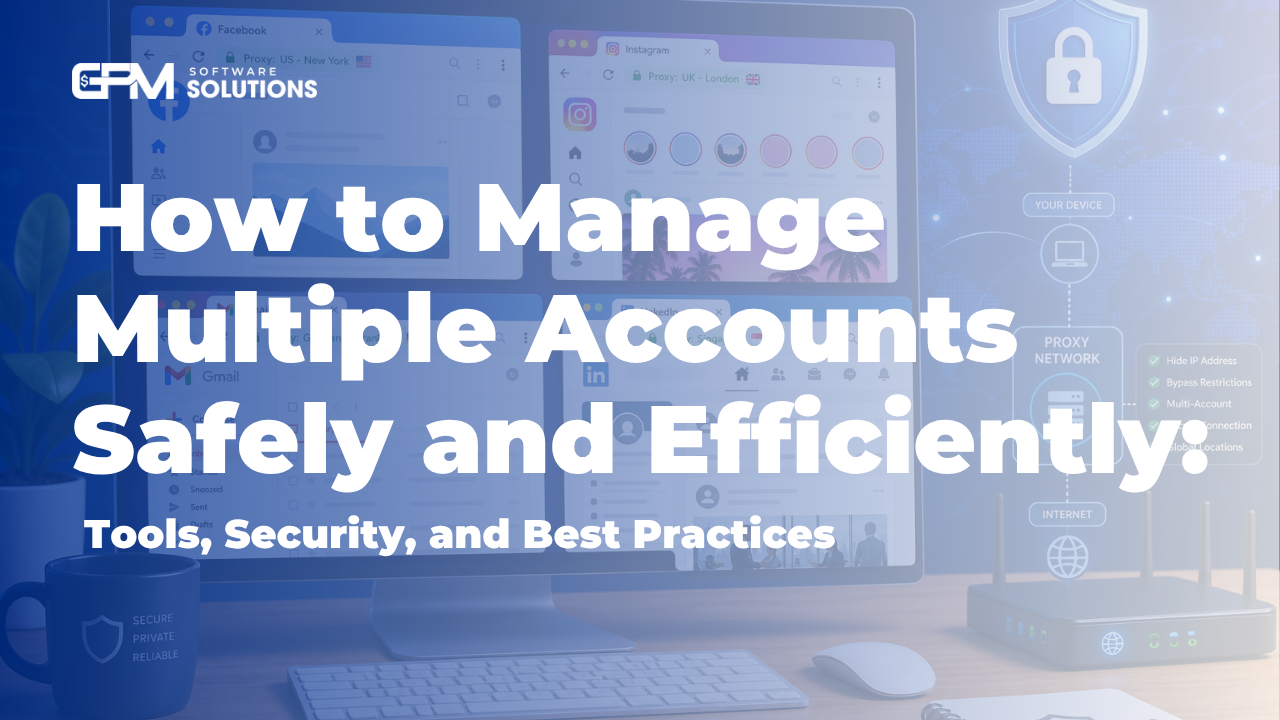
How to Manage Multiple Accounts Safely and Efficiently: Tools, Security, and Best Practices

Multi-account management means handling several digital accounts (like social media, email, or business profiles) efficiently and securely, often using specialized tools to avoid bans or detection.
Summary: Managing multiple accounts requires account isolation, privacy tools (like proxies and antidetect browsers), and the right software for secure, scalable results—especially for social media and email platforms.
Quick Answers: Multi-Account Management at a Glance
What is multi-account management? It’s the process of organizing and operating several digital accounts (e.g., Facebook, Gmail) from one or more devices—often for business, marketing, or privacy needs.
Is it legal and safe? Legal in most cases, but violating platform terms (like creating fake identities) can risk bans. Always check individual platform policies.
How to manage multiple accounts quickly? Use dedicated multi-account management tools (like GPM Login, Multilogin, or GoLogin) to isolate accounts and automate tasks securely.
Top tools in summary: GPM Login, GoLogin, Multilogin, FplusChrome, DICloak, Vpage, MKT Care, Subiz, Parallel Space, and Dual Apps.
Efficient multi-account management combines the right tools, privacy practices, and platform compliance.
What is Multi-Account Management, and Why Does It Matter?
Multi-account management involves maintaining and operating several digital profiles across platforms like social media (Facebook, Instagram), email (Gmail), and business tools. This is vital for marketers, agencies, businesses, influencers, and anyone separating work and personal lives.
Common reasons: Social media marketing, customer support, affiliate marketing, privacy, and team collaboration.
Key challenges: Risk of platform bans, privacy issues, inefficiency when switching accounts, and compliance with platform rules.
Effective multi-account management reduces manual workload, improves security, and supports business growth.
Risks and Challenges: Avoiding Bans, Detection, and Security Threats
Most platforms (like Facebook and Google) deploy detection methods to identify suspicious multi-account activity, including:
IP address tracking: Multiple accounts from the same IP can trigger flags.
Cookies and device fingerprinting: Unique browser and device data can link accounts.
Account behavior analysis: Unusual patterns (e.g., fast switching, automation) can lead to bans.
Consequences of improper multi-accounting include account bans, loss of business assets, and even permanent device blacklisting.
Legal & Ethical Considerations:
Most platforms allow multiple accounts but restrict fake identities or abusive automation. Always review Meta’s account policies and Google’s multi-login rules before proceeding.
Special risks for US users: US-based platforms may enforce stricter compliance and legal action for fraud or abuse.
Managing multiple accounts safely means respecting platform rules and using privacy tools to avoid unintentional linking.
Manual vs. Automated Multi-Account Management: Pros, Cons, and Use Cases
Manual methods include using browser profiles, incognito/private windows, separate devices, or switching users on apps. Automated solutions involve specialized software that isolates accounts, automates tasks, and offers privacy features.
Method | Advantages | Disadvantages | Best For |
Manual | Free, simple, no extra software needed | Time-consuming, error-prone, low scalability, weak isolation | Casual/personal use, few accounts |
Automated/Software | Efficient, scalable, strong privacy, automation, team features | Subscription cost, setup required, learning curve | Businesses, marketers, teams, large account sets |
Choose manual for low-volume, low-risk needs; automated tools for business, marketing, or team workflows.
Top Tools and Software for Managing Multiple Accounts
Leading multi-account management tools help users isolate, automate, and secure accounts across platforms. Here’s a comparison of the top options, including GPM Login:
Tool Name | Platforms Supported | Key Features | Pricing | Security/Privacy | US Compatibility |
GPM Login | Web, Social, Email | Antidetect browser, automation, proxy, team access | Paid, tiered | Strong isolation, fingerprinting, proxy support | Yes |
GoLogin | Web, Social | Antidetect browser, proxy, automation | Paid, tiered | Browser fingerprinting, proxy | Yes |
Multilogin | Web, Social | Browser isolation, automation, proxy | Paid, tiered | Strong isolation | Yes |
FplusChrome | Facebook automation, multi-login | Paid | Basic | Yes | |
DICloak | Web, Social | Antidetect, automation | Paid | Fingerprinting | Yes |
Vpage | Page management, automation | Paid | Account separation | Yes | |
MKT Care | Automation, marketing | Paid | Basic | Yes | |
Subiz | Web chat | Customer support, chat | Paid | N/A | Yes |
Parallel Space | Mobile | Clone apps, multiple logins | Free/Paid | App-level isolation | Yes |
Dual Apps | Mobile | Clone apps, multi-login | Free/Paid | App-level isolation | Yes |
How to choose: Prioritize tools with strong account isolation, automation, and team features. For web and social, GPM Login, GoLogin, or Multilogin are best. For mobile, try Parallel Space or Dual Apps.
Tool selection depends on your platforms, account volume, and need for privacy or automation.
Step-by-Step: How to Safely Manage Multiple Accounts on Major Platforms
Use antidetect browsers (like GPM Login) with separate profiles for each account.
Assign a unique proxy/IP to every Facebook account.
Avoid simultaneous logins from the same device/browser.
Automate posting with built-in tools or approved third-party software.
Review Meta’s policies to stay compliant.
Gmail
Use Google’s built-in multi-login feature (see official help).
For more than 3-4 accounts, use browser profiles or tools like GPM Login for better isolation.
Automate email checking and replies with approved automation tools or browser automation.
Other Platforms (General Steps)
Create separate browser profiles or use an anti-detect browser for each account.
Assign unique proxies/IPs per account to avoid linking.
Automate repetitive tasks using built-in or third-party tools, but avoid violating platform TOS.
Automation and account isolation are crucial to avoid bans and maximize efficiency.
Security and Privacy Checklist for Multi-Account Management
Proxy/VPN setup: Use a dedicated proxy or VPN for each account. Never reuse IPs.
Antidetect browsers: Tools like GPM Login or GoLogin randomize browser fingerprints.
Password management: Use a secure password manager to avoid reuse and leaks.
Device hygiene: Regularly clear cookies and cache, use clean environments.
Team access: Assign role-based permissions; never share raw credentials.
Quick Security Summary: Isolate accounts with proxies and antidetect browsers, use strong passwords, and enforce strict access controls for teams.
Following this checklist greatly reduces the risk of bans or leaks.
Managing Multi-Account Workflows for Teams and Businesses
Team access: Use management tools with role-based permissions (like GPM Login) to delegate account access without sharing passwords.
Audit trails: Track account actions for compliance and accountability.
Collaboration: Use tools with shared dashboards and secure credential storage.
For teams, prioritize tools that support granular access control and auditing.
Best Practices, Tips, and Common Mistakes to Avoid
Do: Use unique proxies, strong passwords, and dedicated browser profiles per account.
Don’t: Log in to multiple accounts from the same browser without isolation, or use automation that violates TOS.
Scale safely: Add accounts gradually and monitor for platform warnings.
Stay updated: Regularly review platform policy pages and tool release notes.
Consistent, careful practices protect your accounts and reputation.
Frequently Asked Questions about Managing Multiple Accounts
What is the safest way to manage multiple accounts on one platform? Use an anti-detect browser (like GPM Login) with unique proxies and strong password management for each account.
How can I avoid getting banned or detected when using multiple accounts? Isolate each account with separate browser profiles and IPs, and avoid suspicious automation or behavior.
What are the best tools for managing multiple Facebook or Gmail accounts? GPM Login, GoLogin, and Multilogin for web/social; Google’s built-in multi-login for Gmail, or browser profiles for more accounts.
Is it legal to have and use multiple accounts on social media or email platforms? Generally yes, but platforms may restrict fake identities or abuse. Always check platform terms and conditions.
What are the risks of managing multiple accounts from the same device or IP? High risk of account linking and bans due to shared device/browser fingerprints and IP addresses.
How do I automate posting or messaging across several accounts? Use approved automation tools or built-in platform schedulers. Avoid aggressive automation that breaches terms of service.
How can teams securely share access to multiple accounts? Use tools with team features and role-based access; never share raw passwords.
What are the main differences between manual and automated multi-account management? Manuals are free but inefficient and risky for many accounts; automated tools offer scalability, security, and team features for a subscription fee.
For secure, efficient multi-account management, try GPM Login or see our GPM Login features and proxy setup guide to get started.
Frequently Asked Questions
What is the safest way to manage multiple accounts on one platform?
Use an antidetect browser (like GPM Login) with unique proxies and strong password management for each account.
How can I avoid getting banned or detected when using multiple accounts?
Isolate each account with separate browser profiles and IPs, and avoid suspicious automation or behavior.
What are the best tools for managing multiple Facebook or Gmail accounts?
GPM Login, GoLogin, and Multilogin for web/social; Google’s built-in multi-login for Gmail, or browser profiles for more accounts.
Is it legal to have and use multiple accounts on social media or email platforms?
Generally yes, but platforms may restrict fake identities or abuse. Always check platform terms and conditions.
What are the risks of managing multiple accounts from the same device or IP?
High risk of account linking and bans due to shared device/browser fingerprints and IP addresses.
How do I automate posting or messaging across several accounts?
Use approved automation tools or built-in platform schedulers. Avoid aggressive automation that breaches terms of service.
How can teams securely share access to multiple accounts?
Use tools with team features and role-based access; never share raw passwords.
What are the main differences between manual and automated multi-account management?
Manuals are free but inefficient and risky for many accounts; automated tools offer scalability, security, and team features for a subscription fee.