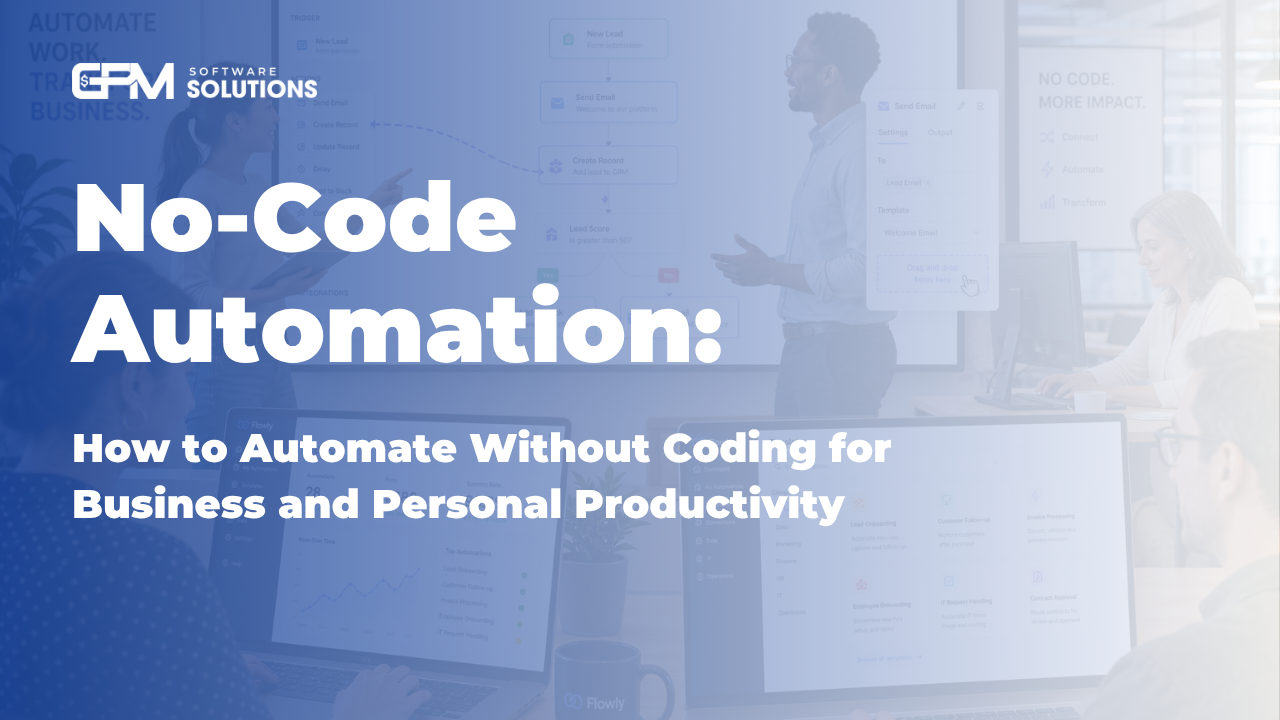
No-Code Automation: How to Automate Without Coding for Business and Personal Productivity
Discover how to automate workflows and business processes without coding. Compare top no-code tools, follow a step-by-step implementation guide, and see real-world examples.

What Is No-Code Automation? (Definition & Quick Summary)
No-code automation lets you automate repetitive tasks and business processes without writing a single line of code. Using visual interfaces and drag-and-drop tools, anyone—regardless of technical skill—can streamline workflows and boost productivity.
Summary: No-code automation empowers non-technical users to automate tasks and processes through user-friendly platforms, without programming. It differs from low-code automation, which may require some basic scripting. Ideal for business professionals and teams seeking efficiency without IT dependency.
No-code automation: Visual tools, no programming required
Low-code: Minimal coding, more customization
Designed for business users, managers, and non-technical staff
Takeaway: No-code automation democratizes process optimization, making it accessible to everyone.
No-Code vs. Low-Code vs. Traditional Automation: Key Differences
No-code, low-code, and traditional automation offer different levels of flexibility, complexity, and user-friendliness. Understanding these differences helps you choose the right approach for your needs.
Approach | Who It's For | Ease of Use | Customization | Integration | Typical Use Cases | Pros | Cons |
No-Code | Non-technical users, SMBs | Very easy | Limited | Strong with modern apps | Simple workflows, marketing, HR | Fast, accessible, low cost | Less flexible, may hit limits |
Low-Code | Business analysts, IT-lite teams | Easy-moderate | Moderate-high | Broader, connects with legacy | Custom processes, integrations | More power, still accessible | Some coding, higher learning curve |
Traditional | Developers, IT departments | Complex | Unlimited | Custom/legacy systems | Mission-critical, unique needs | Fully customizable | Expensive, slow, IT reliant |
Choose no-code for speed and simplicity, low-code for more customization, and traditional automation for complex, unique needs.
Top No-Code Automation Tools and Platforms in
There are many no-code and low-code automation tools available, each with unique strengths. Here are the leading platforms, including AI-powered and integration-focused solutions:
Tool/Platform | Key Features | Best For | Integrations | Pricing (Approx.) | Pros | Cons |
Zapier | Workflow automation, 6,000+ app integrations | SMBs, marketing, admin | Extensive (Slack, Gmail, CRM, ERP) | Free-$50+/mo | Easy, huge app library | Limited logic, can be costly at scale |
Pipefy | Process automation, workflow templates | Operations, HR, finance | CRM, ERP, support tools | Free-$30+/user/mo | Visual, process-focused | Learning curve for complex flows |
Microsoft Power Automate | Cloud and desktop automation, AI features | Enterprises, M365 users | M365, Dataverse, 100s more | $15-$40+/user/mo | AI, deep Microsoft integration | Some setup complexity |
GPM Login | No-code browser automation, multi-account management | Marketing, social media, research | Chrome, web apps, APIs | Free trial, plans vary | Easy, robust privacy, multi-login | Web/browser focus |
M365 Copilot | AI-powered workflow automation in Microsoft 365 | Knowledge workers, teams | Office apps, Teams, Outlook | Enterprise pricing | AI assistance, context-aware | Requires M365 ecosystem |
ChatGPT Integrations | Conversational automation, AI agents | Customer service, lead gen | APIs, CRM, custom bots | Varies (API usage) | AI/NLP power, flexible | Setup and training needed |
For small businesses: Zapier, Pipefy, and GPM Login offer strong value and ease of use.For enterprises: Microsoft Power Automate and M365 Copilot provide robust integration and AI capabilities.
AI-powered options: ChatGPT integrations and M365 Copilot enable advanced automation with machine learning and NLP.
Takeaway: Choose tools based on your business size, integration needs, and whether you need advanced AI automation or simple workflow streamlining.
Benefits of No-Code Automation for Businesses and Individuals
Efficiency & Time Savings: Automate repetitive tasks and free up staff for higher-value work.
Cost Reduction: Reduce manual errors and operational costs without hiring developers.
Accessibility: Empower non-technical staff to create and maintain automations.
Scalability: Quickly scale workflows as your business grows.
Accuracy & Consistency: Automated processes reduce mistakes and ensure standardized results.
According to industry reports, businesses adopting no-code solutions report faster ROI and improved agility.
Takeaway: No-code automation delivers measurable efficiency, cost, and accuracy benefits for organizations of any size.
Limitations and Challenges of No-Code Automation
Integration with Legacy Systems: Older software may require custom connectors.
Customization Limits: Highly complex or unique workflows may exceed platform capabilities.
Security & Compliance: Sensitive data and regulatory needs require careful vendor vetting.
Hidden Costs: Scaling automations or premium integrations can increase expenses.
When Not Sufficient: Mission-critical or deeply customized processes may need low-code or traditional solutions.
Takeaway: No-code automation is ideal for most routine tasks, but assess your integration, security, and scalability needs before deploying widely.
How to Implement No-Code Automation: Step-by-Step Guide
Identify Automation Opportunities: List repetitive, manual tasks that take significant time.
Evaluate & Select Tools: Match your needs (e.g., integrations, AI, cost) to leading platforms like GPM Login, Zapier, or Power Automate.
Plan & Map Workflows: Diagram the steps, triggers, and desired outcomes for each automation.
Test Thoroughly: Run automations in a safe environment to catch errors and optimize performance.
Deploy & Train: Roll out automations to your team with clear documentation and support.
Monitor & Iterate: Track results, gather feedback, and refine workflows over time.
Start small, automate quick wins, and scale as confidence grows.
Communicate changes and train users to ensure adoption.
Takeaway: A structured, step-by-step approach ensures smooth adoption and maximum benefit from no-code automation.
Real-World Examples: No-Code Automation in Action
Marketing: Agencies use Zapier to auto-sync leads from web forms to CRMs, saving hours weekly.
Sales: SMBs leverage GPM Login to manage multiple browser accounts and automate outreach.
HR: Pipefy helps automate onboarding paperwork, reducing manual back-and-forth.
Customer Service: AI Care Agents and ChatGPT integrations streamline ticket triage and responses.
For example, a retail business used Power Automate to connect inventory and sales data, cutting manual reporting time by 70%.
Takeaway: No-code automation drives real productivity gains across departments and industries.
Choosing Between No-Code and Low-Code: Tailored Advice
No-Code: Choose if you need quick setup, limited customization, and have non-technical users.
Low-Code: Opt for more complex, integrated, or unique workflows requiring some scripting.
Small businesses: Start with no-code for rapid results; move to low-code as needs grow.
Larger enterprises: Blend both approaches for flexibility and scale.
Takeaway: Match solution complexity to your team's skills and your business process needs.
Frequently Asked Questions About No-Code Automation
What is no-code automation and how does it work? No-code automation uses visual tools and templates to automate tasks without programming, enabling anyone to build workflows quickly.
How is no-code automation different from traditional automation? No-code is designed for non-programmers and uses drag-and-drop interfaces, while traditional automation requires custom coding by IT professionals.
Can I automate business processes without any coding knowledge? Yes. Most no-code platforms require no programming skills and are built for business users.
What are the best no-code automation tools for small businesses? Zapier, Pipefy, and GPM Login are popular among small businesses for ease of use and broad integrations.
What are the main benefits of using no-code automation? Key benefits include time savings, cost reduction, improved accuracy, and accessibility for non-technical staff.
Are there any risks or limitations with no-code automation? Yes. Common challenges include integration with legacy systems, limited complex customization, and potential scaling costs.
How do I start implementing no-code automation in my organization? Begin by mapping manual processes, selecting a suitable tool, testing automations, and training your team.
Does no-code automation replace human workers? It reduces repetitive work, allowing staff to focus on higher-value tasks, but does not fully replace humans.
Takeaway: No-code automation is accessible, practical, and offers clear benefits and limitations for businesses and individuals.
Ready to experience the benefits of no-code automation? Try GPM Login for free or explore our GPM Login automation features and integration guides to get started. See real-world results in our automation success stories.
Frequently Asked Questions
What is no-code automation and how does it work?
No-code automation uses visual tools and templates to automate tasks without programming, allowing anyone to create workflows quickly and easily.
How is no-code automation different from traditional automation?
No-code automation is built for non-programmers using drag-and-drop interfaces, while traditional automation requires custom coding by IT professionals.
Can I automate business processes without any coding knowledge?
Yes. Most no-code platforms are designed for business users and require no programming skills.
What are the best no-code automation tools for small businesses?
Popular options include Zapier, Pipefy, and GPM Login, known for their ease of use and broad integrations.
What are the main benefits of using no-code automation?
Key benefits are time savings, cost reduction, improved accuracy, and accessibility for non-technical staff.
Are there any risks or limitations witautomation,h no-code automation?
Risks include integration challenges, limited advanced customization, and potential costs as automations scale.
How do I start implementing no-code automation in my organization?
Begin by mapping manual processes, selecting the right tool, testing automations, and training your team.
Does no-code automation replace human workers?
It reduces repetitive work, freeing staff for higher-value tasks, but does not fully replace humans.