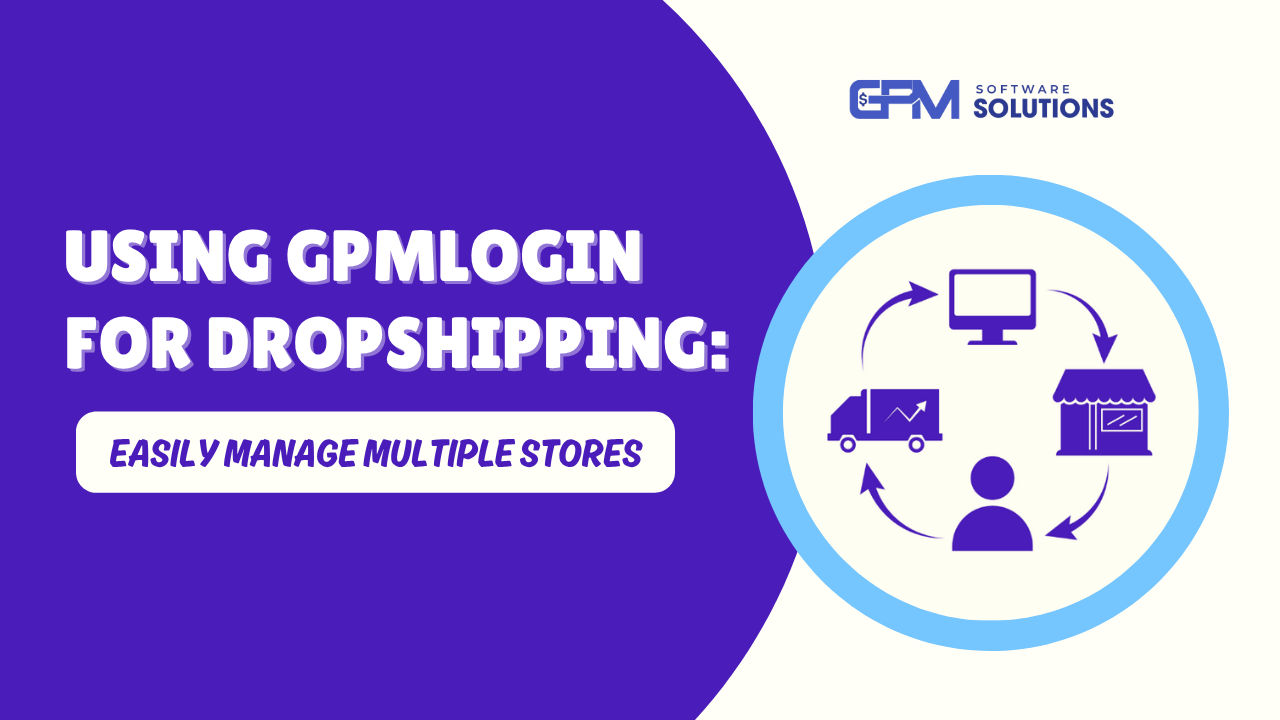
Using GPMLogin for Dropshipping: Easily Manage Multiple Stores
Discover how to utilize GPMLogin to manage multiple dropshipping stores efficiently and securely, avoiding potential bans.
Introduction
In the world of dropshipping, scaling your business often involves managing multiple accounts across various platforms, including Facebook, TikTok, Amazon, and Shopee. But these platforms have increasingly strict security systems that can detect and ban accounts managed from the same device or IP. That’s where GPMLogin becomes your secret weapon.

By creating isolated, fingerprint-protected browser environments, GPMLogin allows you to manage dozens—or even hundreds—of dropshipping stores safely from one machine. Here's how it works and how it can streamline your entire operation.
Why GPMLogin Is Essential for Dropshipping
1. Avoid Account Bans from Device or IP Overlap
Most e-commerce and advertising platforms don't allow multiple accounts to be managed from the same device or IP. GPMLogin solves this by:
- Creating completely independent browser profiles
- Each profile has a unique fingerprint, cookie jar, proxy, timezone, and OS
- No link between your dropshipping accounts

2. Scale Without VPS Costs
Traditionally, managing multiple stores means buying multiple VPS instances. With GPMLogin:
- One powerful computer can handle 100+ browser profiles
- Not requiring costly infrastructure
- All your stores are centralized in one dashboard
3. No-Code Automation for Dropshipping Tasks
GPMLogin integrates with GPM Automate, a no-code workflow automation tool that helps you:
- Schedule product listings and posts
- Sync products from platforms like AliExpress or Shopee
- Auto-response messages from clients
- Update prices and stock status in bulk
Step-by-Step Guide: Using GPMLogin for Dropshipping
Step 1: Prepare Proxies & Accounts
- Use residential or mobile proxies (preferably matching your account’s region)
- Create or buy verified seller accounts for platforms like Facebook Shops, Shopee, etc.
Step 2: Make Distinct Browser Profiles
- Each account = 1 isolated GPMLogin profile
- Assign a unique proxy and set timezone & language
- Use default or custom browser fingerprints
Step 3: Install The Proper Tools
- Install your favorite Chrome extensions, automation plugins, or dropshipping helpers
- Use “Sync Action” to apply batch actions across multiple profiles
Step 4: Create an Automated Workflow
- Use GPM Automate to script:
- Product imports
- Daily posts
- Customer engagement
- Checkout processes
- Schedule workflows with no coding required
Step 5: Backup & Team Management
- GPMLogin allows full backup/restore of profiles
- Share access with your team using role-based permissions
Real-World Use Cases for Dropshippers Using GPMLogin
- Multi-platform sellers: Manage Amazon, eBay, Etsy, Shopee, TikTok shops,.. from one dashboard

- Cross-border teams: Manage stores worldwide with localized proxies and browser settings
- Affiliate + dropshipping hybrid: Assign one profile per affiliate/store combo
- Ad-focused sellers: Create and run multiple Facebook ad accounts safely
Conclusion: GPMLogin – A Must-Have Tool for Dropshipping at Scale
As platforms become stricter and competition intensifies, GPMLogin offers dropshippers a safe, scalable, and cost-effective way to:
- Run multiple stores without bans
- Save money on VPS and infrastructure
- Automate repetitive tasks
- Stay organized and compliant
Start using GPMLogin today and take your dropshipping operation to the next level. Whether you're a solo seller or managing a team, this tool gives you the power and flexibility to grow with confidence.